THE SHORT ANSWER
Treat server disposal as a controlled IT change: approve the retirement, confirm dependencies and retention, inventory all storage and configurations, sanitize appropriately, and reconcile the equipment through its final destination.

Confirm that a system can be retired
A powered-off server may still support a backup, retention commitment, recovery plan, or license dependency. Assign an IT owner to confirm that services have migrated and required records remain available. Facilities should coordinate power isolation, rack access, loading access, and equipment handling with qualified personnel. This workflow is recommended practice, not a universal legal checklist.
Inventory beyond the chassis
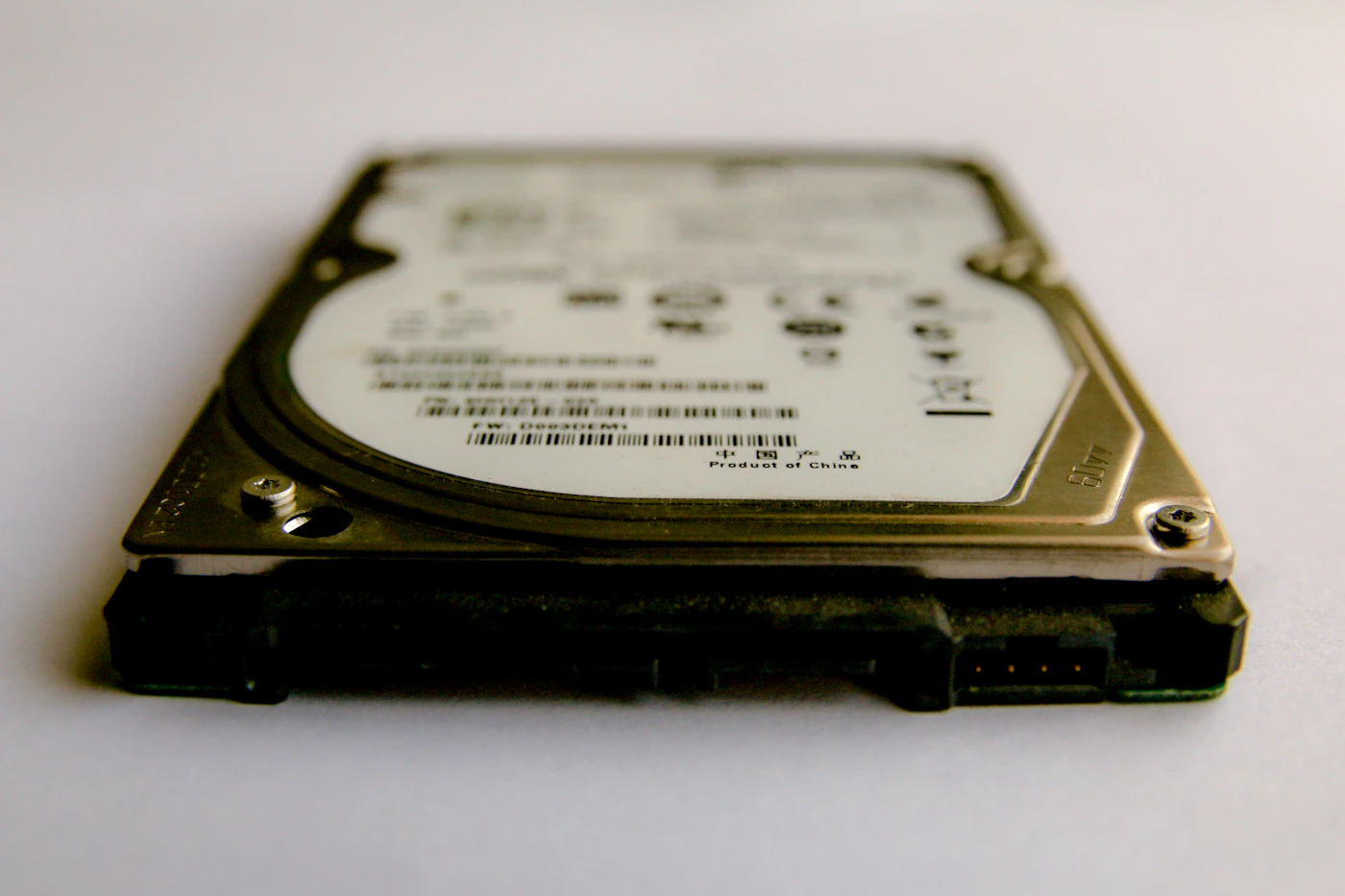
Map separately handled drives back to the original system. A chassis serial number does not necessarily identify every data-bearing component.
| Asset | What to review |
|---|---|
| Rack and tower servers | Internal disks, removable boot media, controllers, and management interfaces. |
| Storage arrays and NAS | Every drive, cache or persistent module, spare disk, and attached shelf. |
| Switches and routers | Configurations, logs, saved credentials, keys, and removable flash media. |
| Security appliances | Configuration backups, certificates, stored events, and any local storage. |
| Backup devices | Tapes, removable drives, retention requirements, and off-site media. |
Plan sanitization and exceptions
Use the current NIST framework and an appropriate technical procedure for each media type. Document how the result will be verified, who accepts it, and what happens to devices that cannot complete the process. Do not assume a failed device is empty or a standard factory reset is sufficient for every storage technology.
Source: NIST SP 800-88 Revision 2: Guidelines for Media Sanitization
Prepare a controlled handover
Define whether media stays on site, travels with the equipment, or is separately processed. Record the approved recipient and custody transfers. Separate loose batteries, damaged equipment, and other items that need specific packaging. Confirm what the recipient accepts before dismantling or shipping; collecting or treating universal waste can change the duties that apply.
An office network refresh example
A company replaces two servers and eight switches. Its retirement record links each device to an owner, the associated media, the approved sanitization route, and the final report. The IT owner resolves one failed drive separately rather than marking the whole job complete when the truck leaves. Facilities retains the shipment receipt; IT retains the media result and exception record.
Sources & references
- NIST SP 800-88 Revision 2: Guidelines for Media Sanitization Technical guidance
- NIST: Revision 2 Frequently Asked Questions (PDF) Technical guidance
- DTSC: Universal Waste and How to Handle It Agency guidance
Prepared with AI assistance; editorial responsibility rests with the operator. Review dates reflect the sources checked, not a legal audit. Read our editorial standards.
General educational information, not legal advice. Consult the original authority and check current requirements for your situation.